Dust off your joystick skills, prepare for the glow of a proper CRT, and join us for an afternoon of old computers, consoles and games at TOG Hackerspace.
Our Retro Computing & Gaming Day is back on Saturday 11 July, bringing together a collection of machines that have survived several decades in exhibitors’ houses, attics, sheds and increasingly full spare rooms.
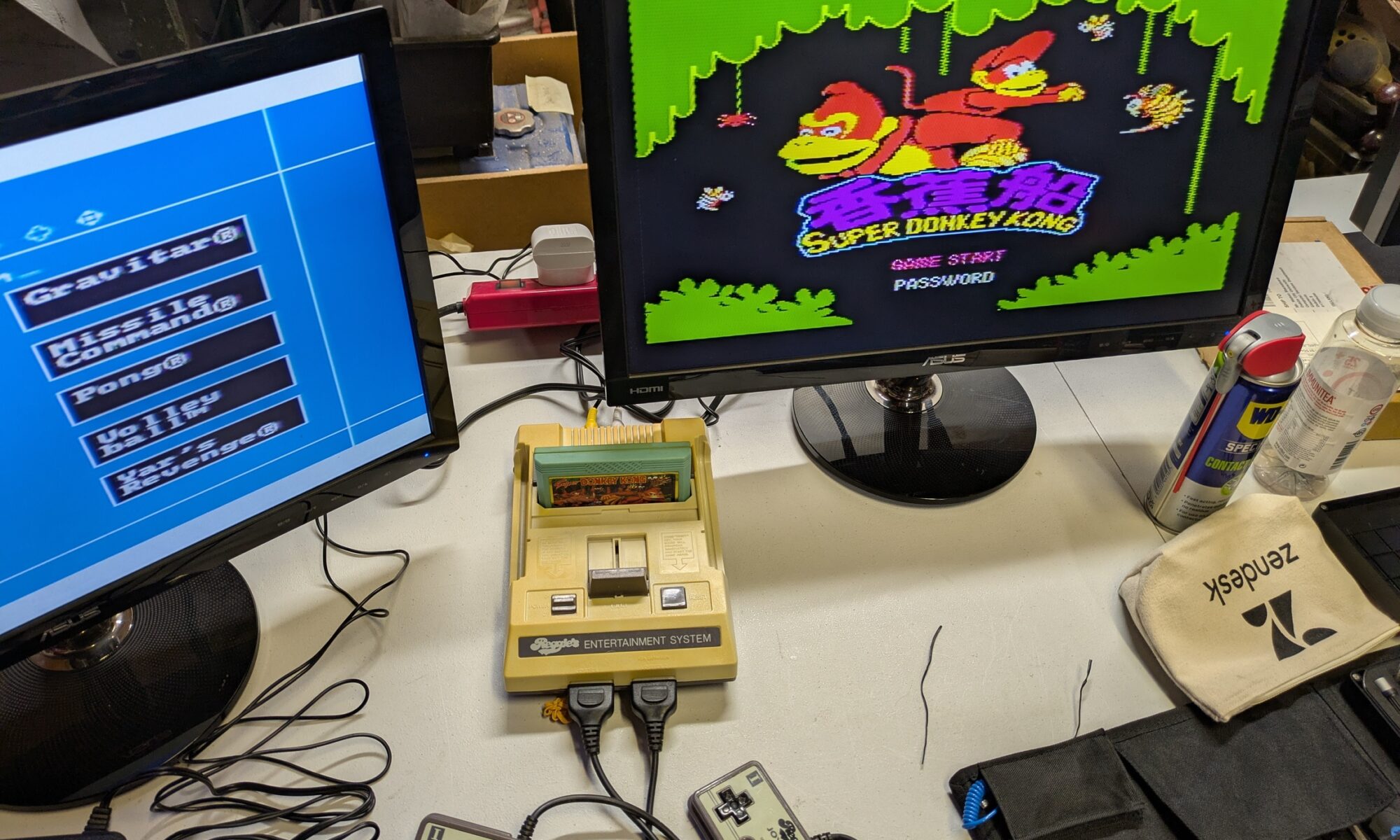
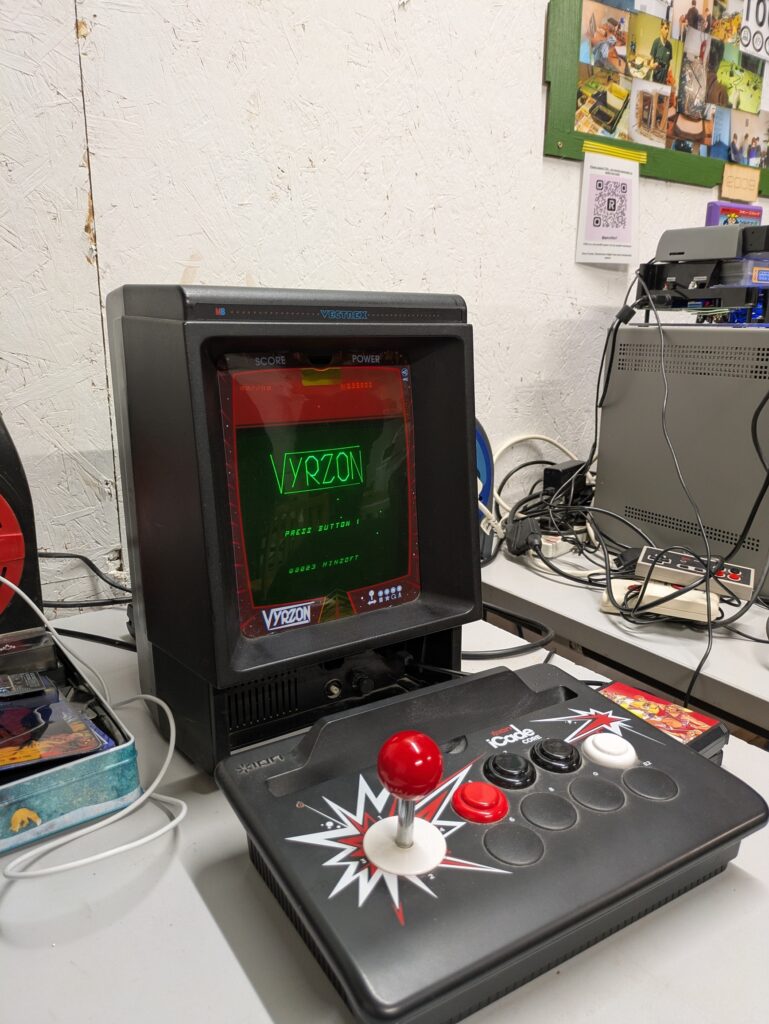
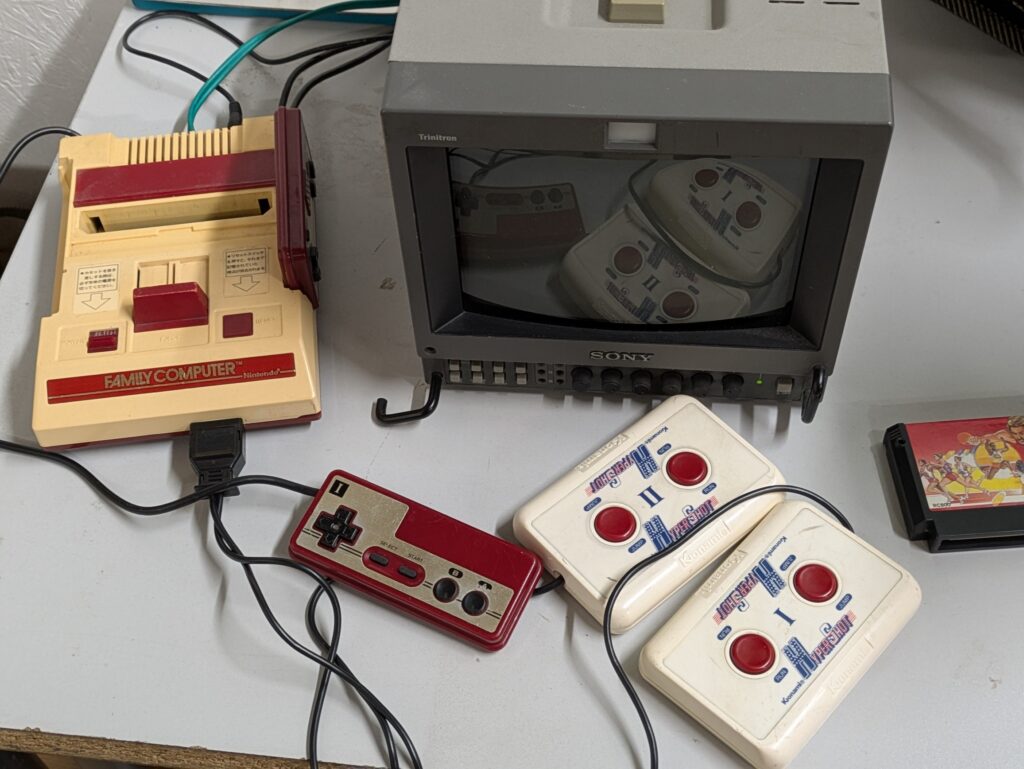
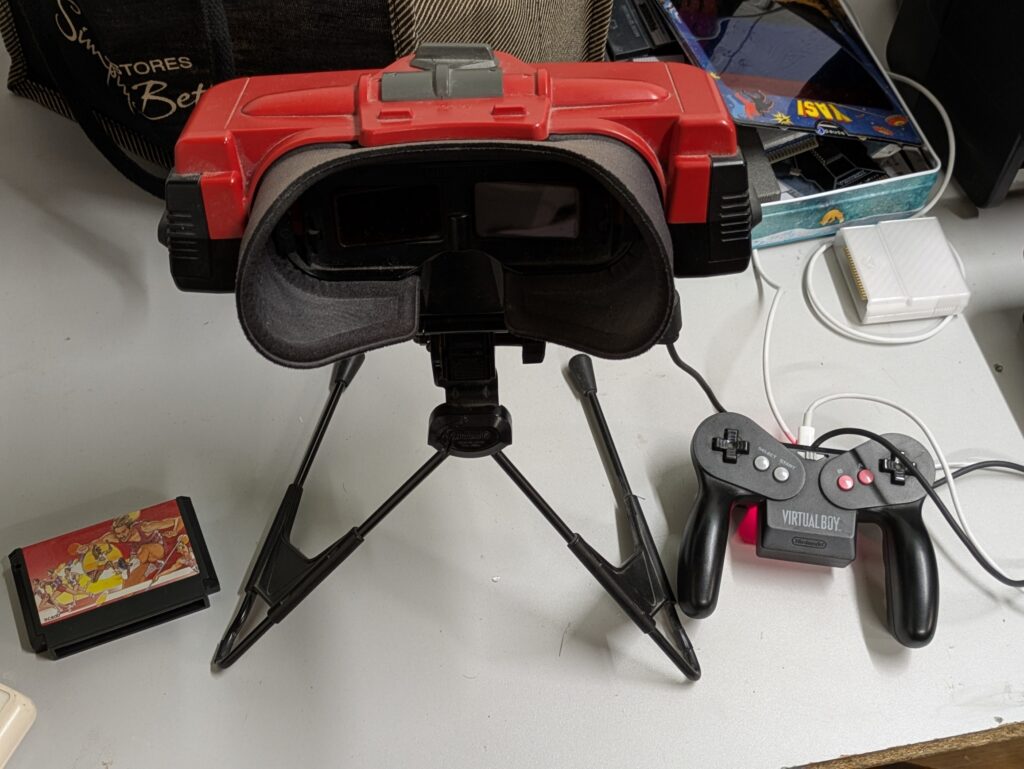
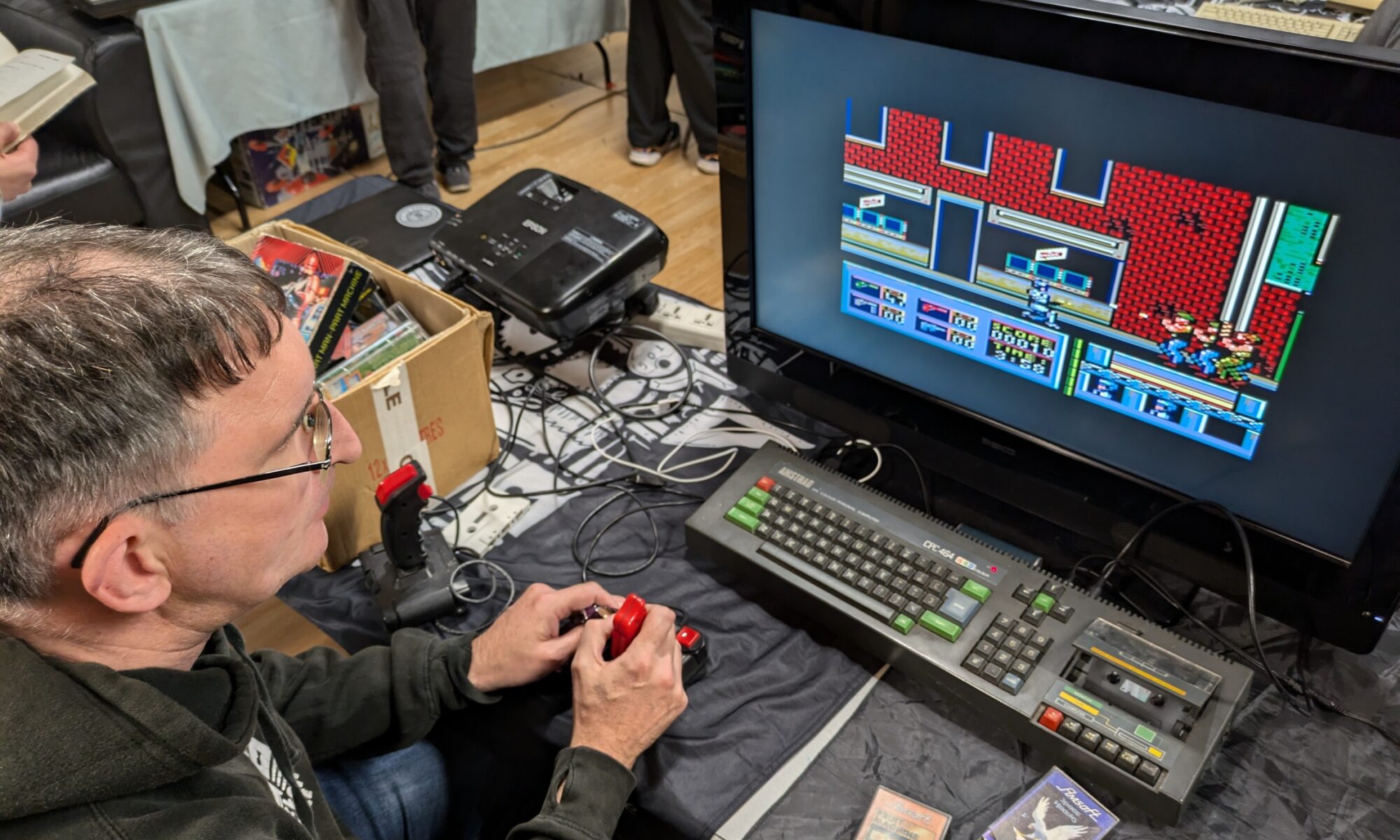
Expect a mix of computers and consoles from the 1970s through to the 2000s. There will be classic home computers, old consoles, games, controllers, demos, and plenty of odd bits of technology that have been kept alive long after their manufacturers expected.
We are hoping to have everything from ZX Spectrums and early home computers to consoles, Windows XP-era machines and, most importantly, plenty of CRTs.
What to expect
Retro computers and consoles from the 1970s to the 2000s
Games, demos and hands-on play
A chance to chat with fellow retro computing and gaming fans
Proper CRT screens, complete with their unmistakable glow and occasional hum
A relaxed random game tournament on the day
Many of the machines will be available to try out. Please ask the exhibitor before touching anything, as some of these machines are older than many of the people attending and can be a little temperamental.
Want to exhibit?
We would love to have more people showing off their retro computers, consoles, games, peripherals and strange old technology.
If you have something you would like to bring along, get in touch through our contact form. Let us know what you would like to show, roughly how much table space you need, and whether you have any particular power or display requirements.
Event details
Date: Saturday 11 July 2026 Time: 2:00 pm to 7:00 pm Location: TOG Hackerspace Cost: Free, with optional donations welcome
Once Retro Computing & Gaming Day wraps up, we will head straight into our TOG open social night.
We will fire up the wood-fired pizza oven, have a chat, and set up a Quake III Arena or Unreal Tournament ’99 LAN party. Bring your own laptop if you would like to join in, as we do not have enough machines to lend out.
Come along for old hardware, strange peripherals, games from another era, pizza and some late-1990s multiplayer chaos.
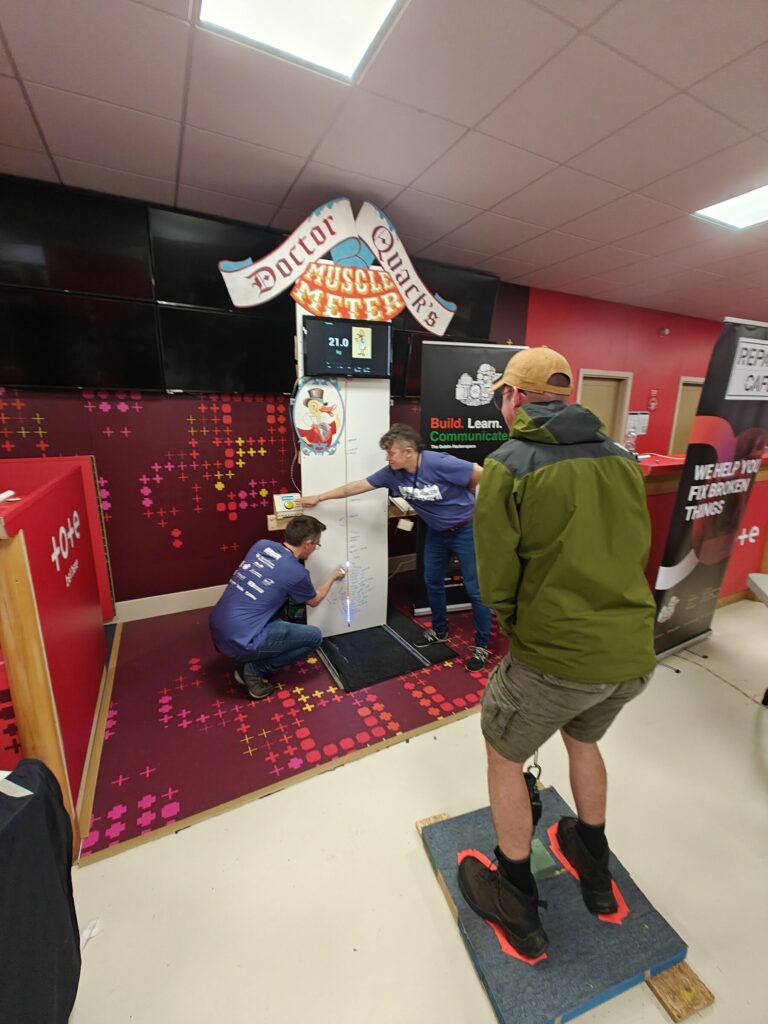
When you think of fairgrounds or arcades, you often picture the classic “hammer strength” game – swing a mallet, ring the bell, prove your power. For Dublin Maker this year, I wanted to flip that idea on its head – literally. Instead of smashing something down, players pull upwards against a resistance. That’s how the Reverse Hammer Machine was born.
It’s part carnival attraction, part engineering challenge, and part community experiment in building something a little quirky, a little geeky, and a lot of fun.
The Concept
The idea was simple:
Replace the hammer strike with a pulling action.
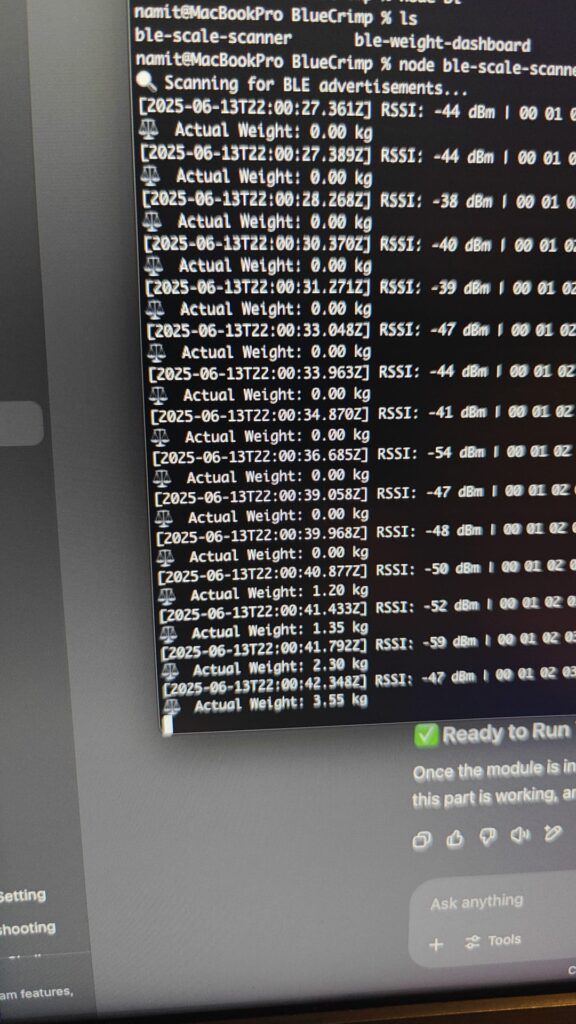
Use a Bluetooth-enabled crane scale to measure how much weight someone can pull.
Display the results on a big screen so everyone around can see the outcome.
Rather than brute force through a mallet, the machine measures grip and pull strength. It’s surprising how competitive people get once the numbers are up in lights!
How It Works
The machine looks like a cross between a fairground attraction and a maker project gone wild. Here’s what’s inside:
Bluetooth Crane Scales – these are normally used in warehouses or for weighing heavy loads. I hacked one into the system to register the pull force. Aliexpress special
ESP32 Controller – a small but mighty microcontroller that handles the Bluetooth connection, reads the data, and passes it on.
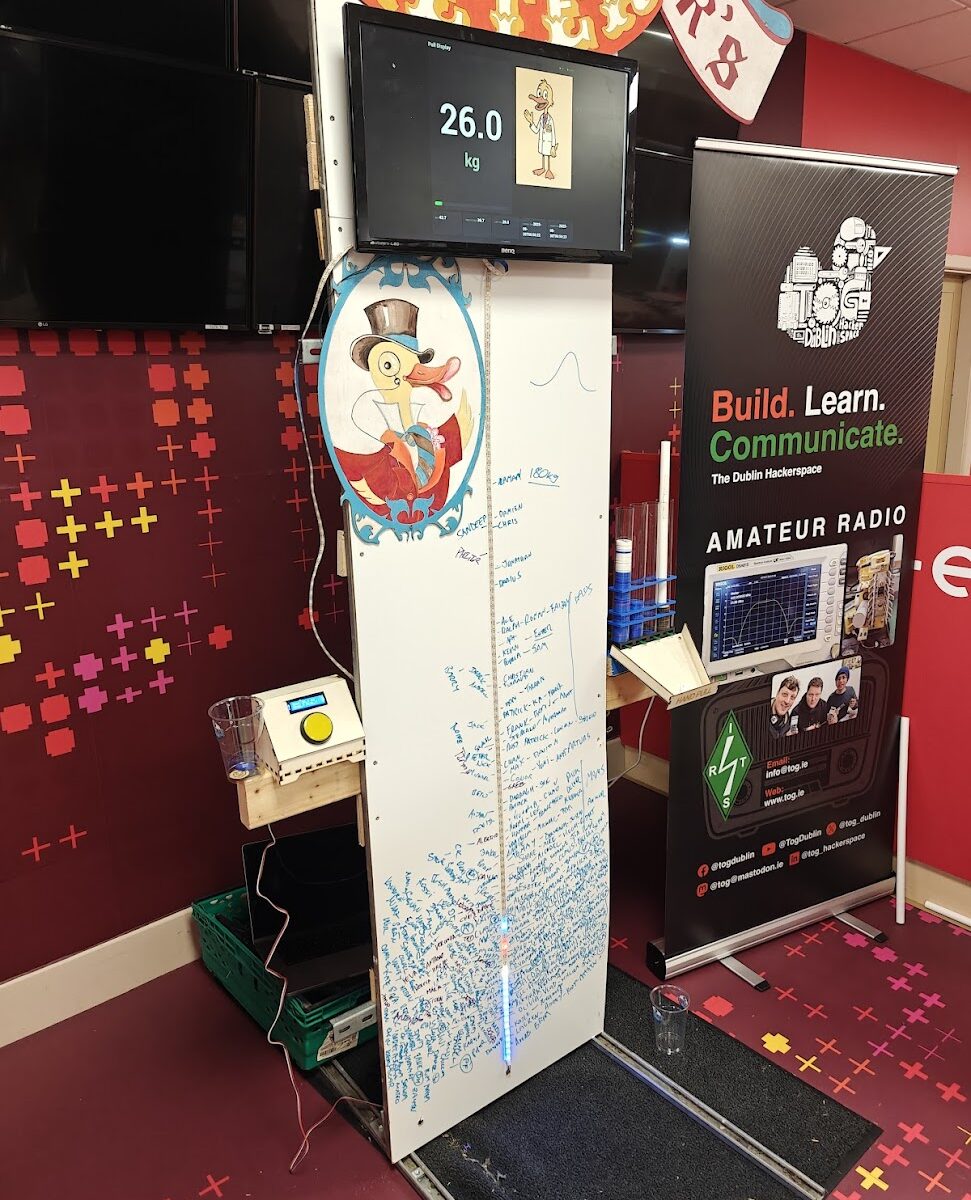
LED Strip – mounted along the board to give a visual indicator of how much force is being applied. The harder you pull, the higher the light climbs.
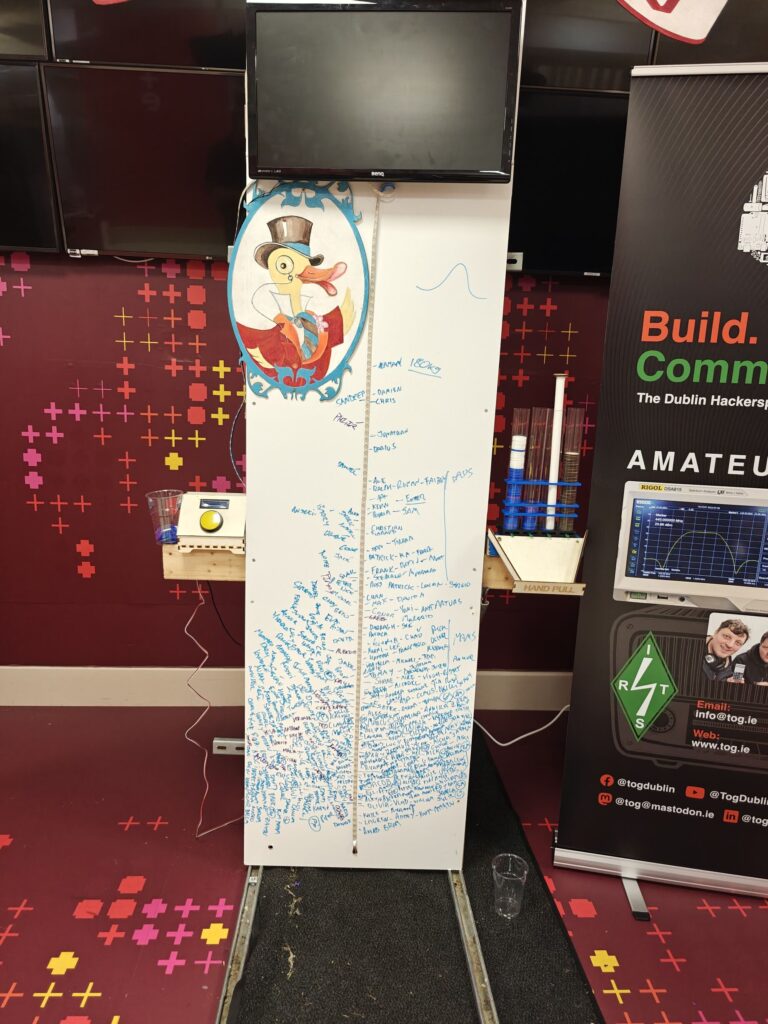
Display Screen – the live weight reading is shown on a large monitor, complete with a fun duck mascot illustration for a playful touch.
Players grab the rope, pull upwards, and watch their strength measured in real time. The numbers shoot up on screen while the LED strip glows higher and brighter – instant feedback, instant bragging rights.
The Build
I built the frame tall and sturdy, with enough presence to attract attention across the room. The whiteboard-style front not only holds the LED strip but also doubles as a canvas for signatures and doodles from players.
For more photos of the build, check out our gallery.
oplus_3145730
Some key features of the build:
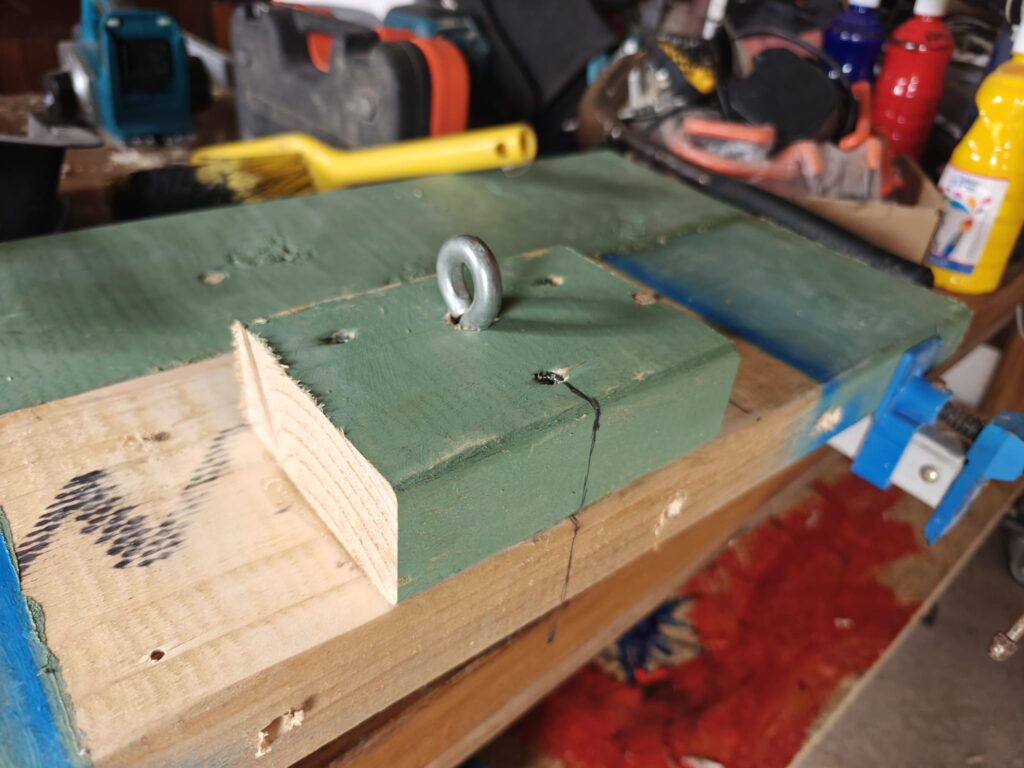
Mechanical setup: The rope feeds through a pulley at the top so players can get a good pulling grip.
Electronics box: A control panel with a button and a microcontroller sits neatly to the side.
Data display: The Bluetooth scale readings are processed by custom code and displayed on the big screen with graphics.
The artwork – a cheerful duck in a top hat – was added to keep things light-hearted and tie in with the playful Dublin Maker spirit.
On Show at Dublin Maker
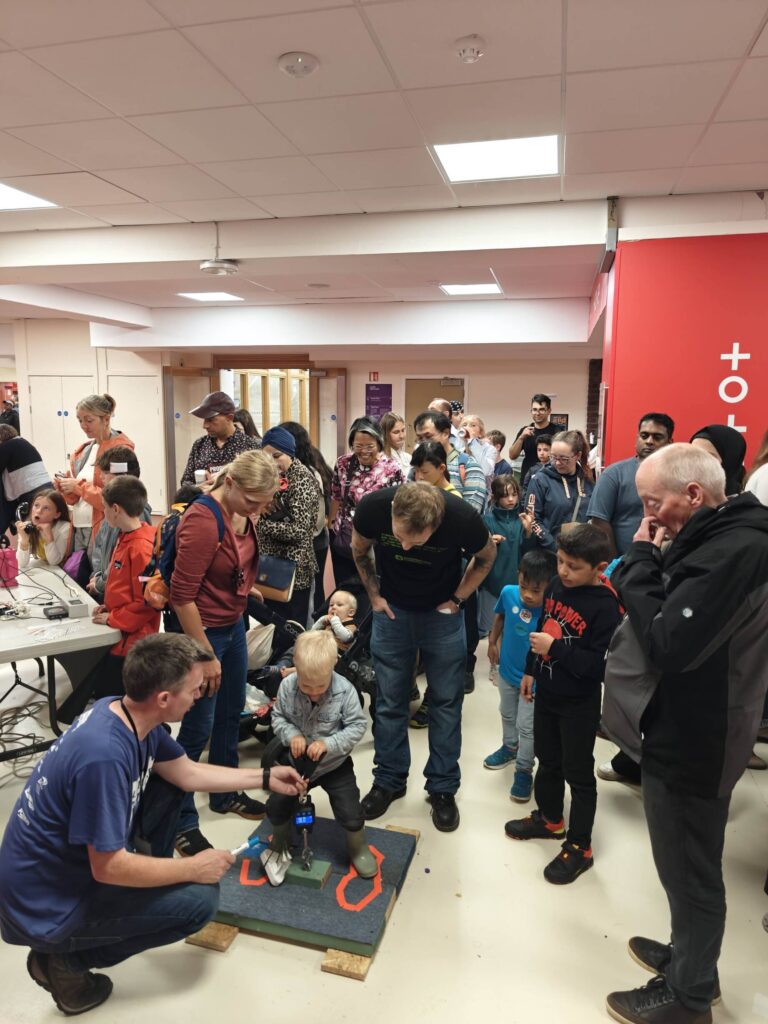
The Reverse Hammer Machine made its public debut at Dublin Maker, where visitors of all ages lined up to test their pulling power.
oplus_11534368
Lessons Learned
As with any maker project, there were a few quirks and challenges along the way:
Bluetooth quirks – the crane scale wasn’t exactly designed to be hacked, so getting stable data required persistence.
User safety – people can pull harder than expected, so making sure the frame was strong enough was a priority.
Showmanship – it’s not just about the electronics, it’s about making it fun and inviting to play and the competition of competing against family and friends.
By the end of the day, the board was covered in names, the LED strip had seen plenty of action, and the duck mascot had overseen countless strength contests.
Why Build It?
The whole point of Dublin Maker is to share creativity, curiosity, and the joy of making. The Reverse Hammer Machine isn’t just about strength – it’s about turning an idea into something physical that makes people smile.
It blends hardware hacking, coding, design, and a touch of carnival silliness into one interactive exhibit. Best of all, it gets people talking, laughing, and competing in the spirit of fun.
oplus_11534368
What’s Next?
I’d love to refine the project further:
Add a leaderboard system that stores top scores during the day.
Integrate sound effects for dramatic impact when someone hits a new record.
Maybe even design multiple “difficulty modes” with adjustable resistance.
The great thing about projects like this is they never really finish – there’s always another upgrade waiting to happen.
Bringing It All Together
The Reverse Hammer Machine shows what can happen when you take a familiar idea and twist it. By hacking together a Bluetooth crane scale, some microcontrollers, and a splash of creativity, you end up with something that feels both retro and futuristic.
It’s a reminder that engineering doesn’t have to be serious – sometimes the best projects are the ones that make people grin.
Join us for an afternoon of retro computing and classic gaming as we celebrate the golden age of vintage systems and consoles! Whether you’re a long-time collector, a retro gaming enthusiast, or just curious about the technology of the past, this event is the perfect opportunity to explore and relive the magic of classic computing and gaming.
What to Expect:
Neo Geo Pocket Color: Experience the vibrant world of SNK’s handheld console, known for its rich library of 2D fighting games and unique clicky thumbstick.
Sega Saturn & Dreamcast: Immerse yourself in the legendary Sega Saturn and Dreamcast, two consoles that pushed the boundaries of gaming with innovative 3D graphics and online capabilities.
Vintage Computing Systems: A variety of classic machines will be available to explore, offering a hands-on look at the evolution of computing and gaming from the 80s and 90s.
Activities:
Hands-on Demonstrations: Get up close with vintage computers and consoles, testing out classic games and software.
Show and Tell: Bring along your own retro systems, share their history, and connect with fellow enthusiasts.
Also happening at TOG: Earlier in the day, we’re hosting a Soldering Workshop! If you’re interested in learning or improving your soldering skills, check out the details and register here: https://www.tog.ie/2025/03/soldering-workshop-3/
We had a small break with our hacking challenges Redo. The format of the Meetup required a change, to accommodate for less experienced visitors. And as much as I love the SANS Institute Challenges, they tend to be quite a puzzle, especially later one. So for now, we are going to focus on couple other Hacking Challenges that are available online. And hopefully in December, when new 2022 SANS Hack Challenge starts, we will have a group ready to battle it together 🙂
Let’s start from Over the Wire. There are plenty games there, we will start with the Bandit, as most suitable to get used to the platform. Bandit offers 33 levels to play, it teaches Linux commands and tools. In each level your goal is identical, find a password to the next level, but let’s start from the beginning.
Over the Wire artwork
To play Bandit you will need to establish SSH connection to the Over the Wire lab server, all details of connection are given in Level 0.
So, what is SSH?
Secure Shell, sometimes referred to as Secure Socket Shell, is a protocol which allows you to connect securely to a remote computer or a server by using a text-based interface. When a secure SSH connection is established, a shell session will be started, and you will be able to manipulate the server by typing commands within the client on your local computer. System and network administrators use this protocol the most, as well as anyone who needs to manage a computer remotely in a highly secure manner.
How to use SSH on Windows?
Most common ways of using SSH on Windows is by using one of the clients. Most popular clients are: PuTTY, BitwiseSSH and OpenSSH. Windows 10 users have now the option to use build-in OpenSSH client. Just follow the installation details of your choose client.
How to use SSH on Mac?
Mac’s have build-in Terminal feature, that provides SSH client.
How do we do it on Linux?
That shouldn’t be a problem for any regular Linux users, but in case you are just starting with Linux. Go to your terminal and type:
ssh
This should list all ssh details and commands. If that’s not the case, just use the following command to install OpenSSH:
On the 23rd of January Meetup we have completed following tasks:
Objective 1 – Uncover Santa’s Gift List – clues in blog post video above
Objective 2a – Kringle Kiosk – clues in blog post video above
Objective 2b – S3 bucket – clues give at a Discord were: update the wordlist and add the searched bucket name, use ‘cat’ command to inspect the bucket. Copy and inspect in CyberChef the file. Start unpacking and remember to pipe the output whenever needed.
Objective 3a – Linux Primer – no clues were needed 🙂
Objective 3b – Point-of-Sale Password Recovery – clues give at a Discord were: download the package, no need to install the shop. Unpack the exe file, and poke around until you find app.asar and use 7zip to open Asar file.
Later today, 5-7pm GMT we will be focusing on following tasks:
all unfinished past tasks
Objective 4a – Unescape Tmux – no help needed
Objective 4b – Santavator operations – no help needed
Objective 5a – Speaker UNPrep – first clue: ‘strings door’ with some filters, more clues @Discord
Objective 5b – 5b: 33 Gkbps – no help needed
Objective 5c – Open the HID lock in the Workshop – no help needed
Objective 6a – Regex Toy Sorting – we will battle it together @Discord
Objective 6b – Splunk Challenge – clue: look for Bro.
So, as promised we are going to start SANS Holiday Hack Challenge Redo run by Counter Hack Team. We will start with the latest 2020 challenge . You will need a valid email to create user account, which is instant. You can start straight away on your own or watch a couple helpful videos.
The first video that I would like talk about, it’s Ed Skoudis 2020 Hack Challenge Intro. Video is a great overview of this year challenge.
Second video is aimed at Hack Challenge first timers, it’s walk through the login page and the starting interface.
And don’t forget to join discussion later today at a dedicated Discord Channel https://discord.gg/MqCQkSzG. We start at 5pm today 🙂
This month we are going to focus on 2 objectives.
To help with starting the first objective you can watch this video:
Or read this article with helpful techniques. The online photo editor can be found here.
Watch the video below for the start of the second objective overview:
See you at Discord after 5pm GMT today, we will try to finish Objectives 1 &2 together.