This Friday, 23 October, we’re getting stuck into some hardware hacking at TOG, with a special Capture the Flag session from 7 to 9 pm.
Think of it as a puzzle hunt on a small circuit board. There are 15 logical puzzles to work through, with hidden answers known as “flags” to discover. It’s a mix of hardware, software and figuring things out, with no soldering required.
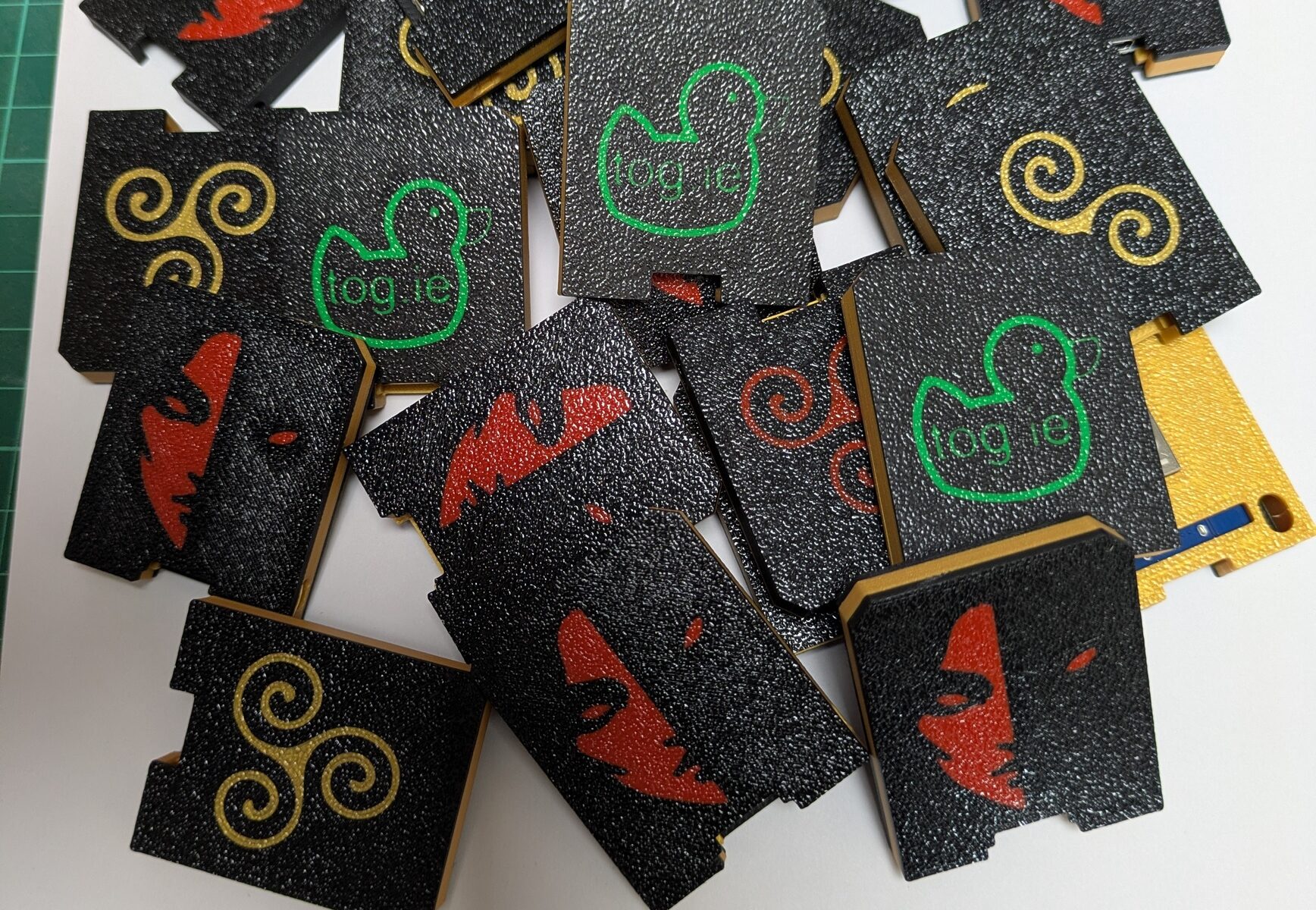
The project brings together ESP8266 microcontroller boards and custom 3D-printed cases. TOG built hardware flags for the Women’s International Cybersecurity Challenge 2026, and the project also featured in the Irish Embassy programme at EMF Camp this summer. Now it’s your turn to have a go at the hackerspace.
Last week’s session didn’t go ahead, so we’re putting both parts into one evening:
7–8 pm: Have a go. Work through the challenges at your own pace. Well be around to help you get started, offer hints and help where we can.
8–9 pm: See how it’s done. We’ll go through the challenges step by step, explaining how to find each flag and the techniques involved.
Whether you’ve tried a CTF before or are just curious about hardware hacking, come along and try it out.
You can borrow the hardware for the evening or buy a board from us to keep experimenting at home.
Bring a laptop and your own USB-C data cable. Make sure the cable supports data, as a charging-only cable won’t work.
Where: TOG Hackerspace, Unit 1B Motor City, Kylemore Road, Dublin 12, D12 CF6V.
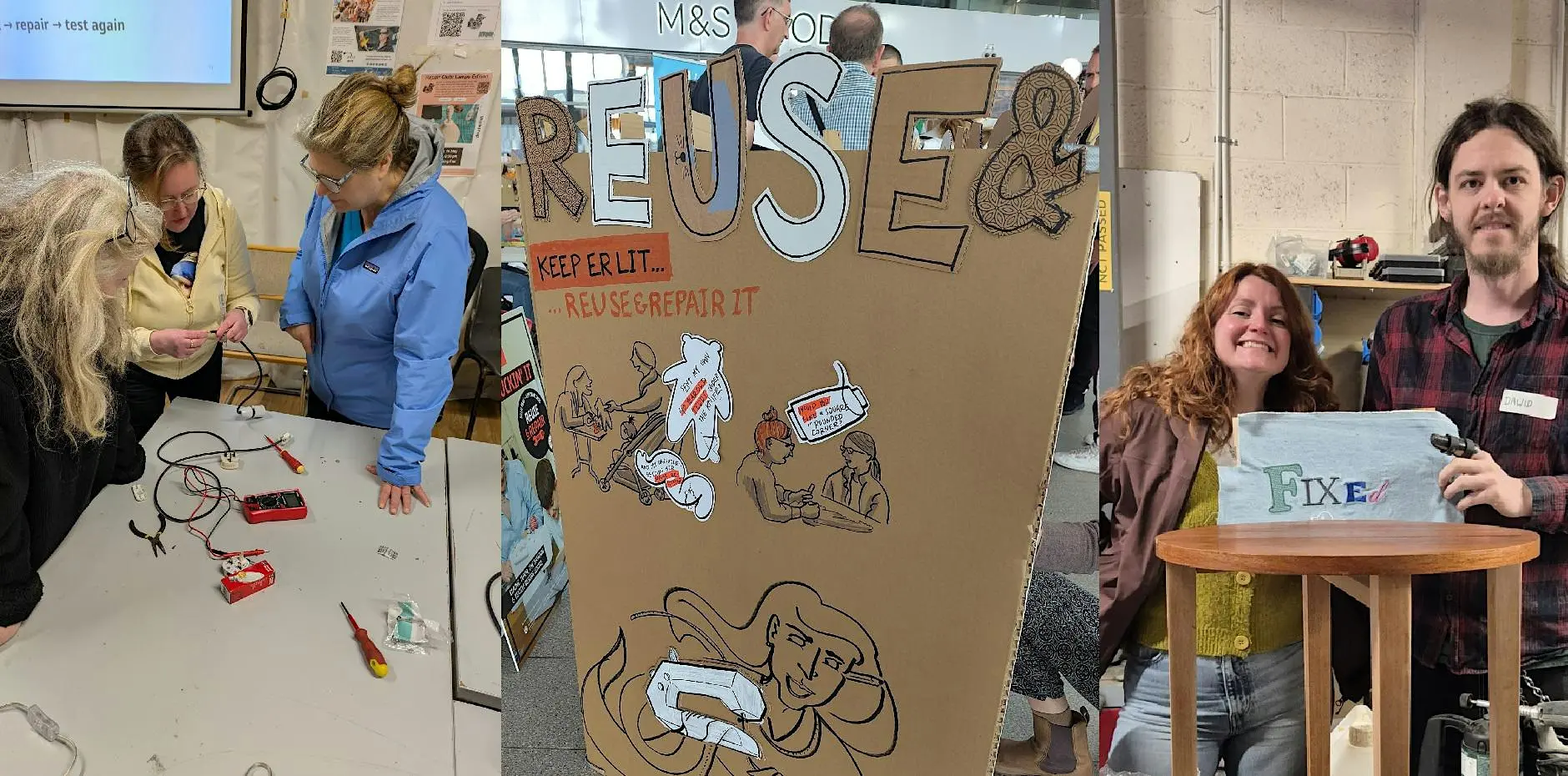
Climate Action Week runs from 12 to 18 October, and TOG is taking part with three events focused on repair, reuse and sharing practical skills.
At TOG, that can mean opening up a broken appliance, making an existing piece of clothing more useful, or helping someone build the confidence to try a repair themselves. Keeping things in use for longer helps reduce waste and the need for replacements. It is also a good reason to get people together and share what we know.
Our friends from Lovelace Space are joining us for a workshop on adding pockets to clothes you already own. Tríona and Maria will guide you through hand and machine sewing techniques, using reused materials sourced from Change Clothes.
No sewing experience is needed. Bring a freshly laundered garment that could do with a pocket or two. The workshop costs €5, covering materials and a small contribution towards TOG’s running costs.
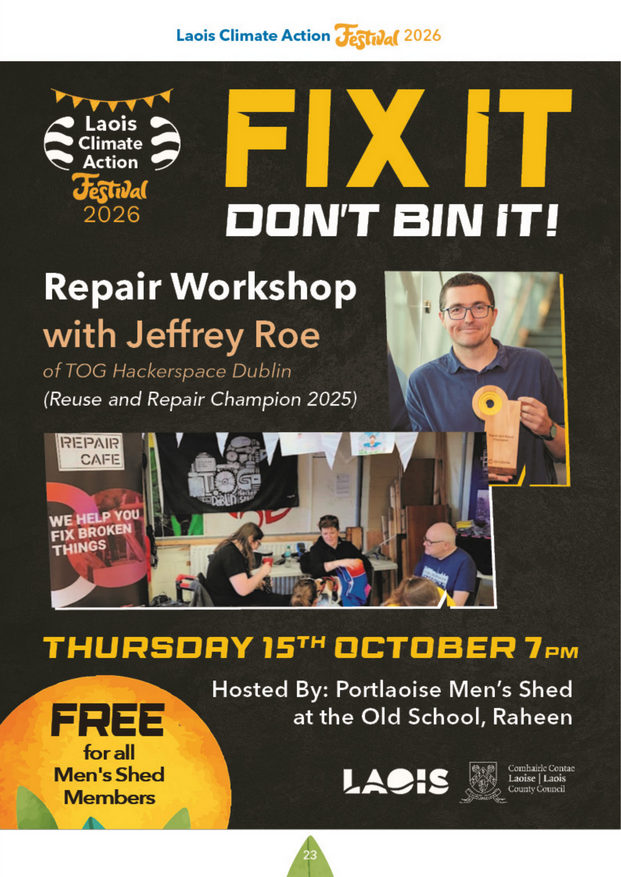
Our member Jeffrey Roe will lead a repair workshop hosted by Portlaoise Men’s Shed as part of the Laois Climate Action Festival. It is a chance to share practical repair skills and help more people give everyday items another chance. This session is for Men’s Shed members and is free to attend. The link above opens the event’s page in the festival programme.
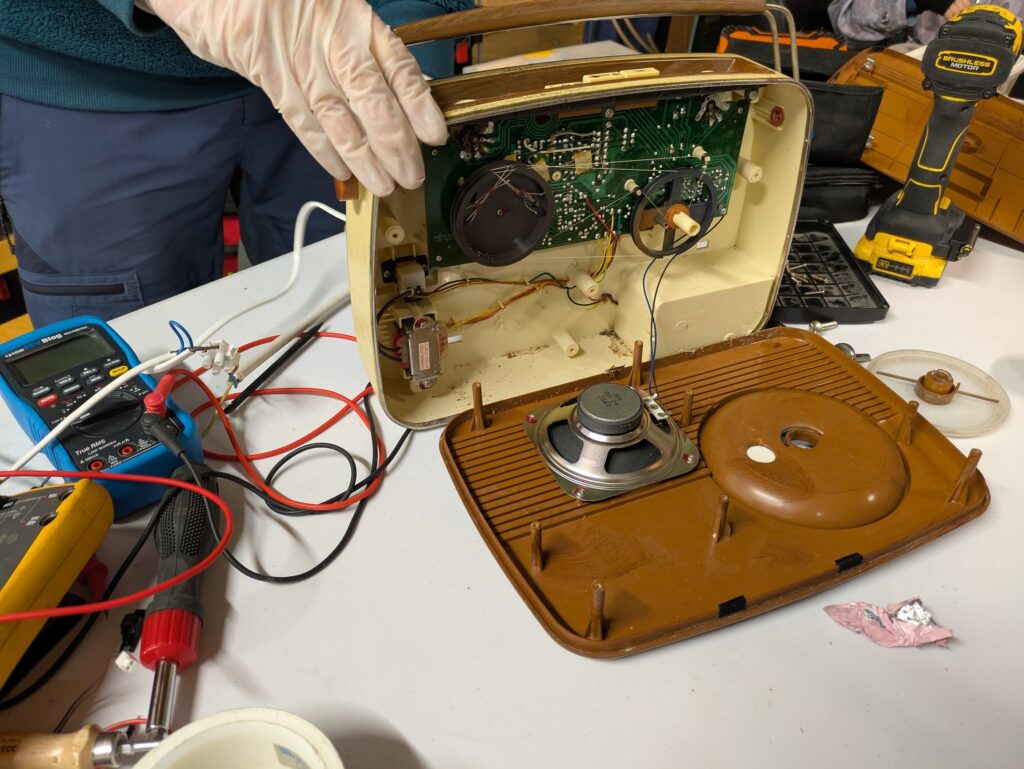
Bring along a broken or worn item and work with our volunteer fixers to see what can be done. We can take a look at clothes, toys, small appliances, electronics and small furniture. PAT safety testing for electrical devices will also be available, along with tea, coffee and tours of the space.
The event also marks International Repair Day, joining communities around the world in celebrating repair.
We are members of Community Resources Network Ireland (CRNI), which supports community organisations working on reuse, repair and recycling. These events put that shared approach into practice: keeping useful things in use, sharing skills and helping people take action together.
The two Dublin events take place at TOG Hackerspace, Unit 1B Motor City, Kylemore Road, Dublin 12, D12 CF6V. Follow the event links above for full details and booking.
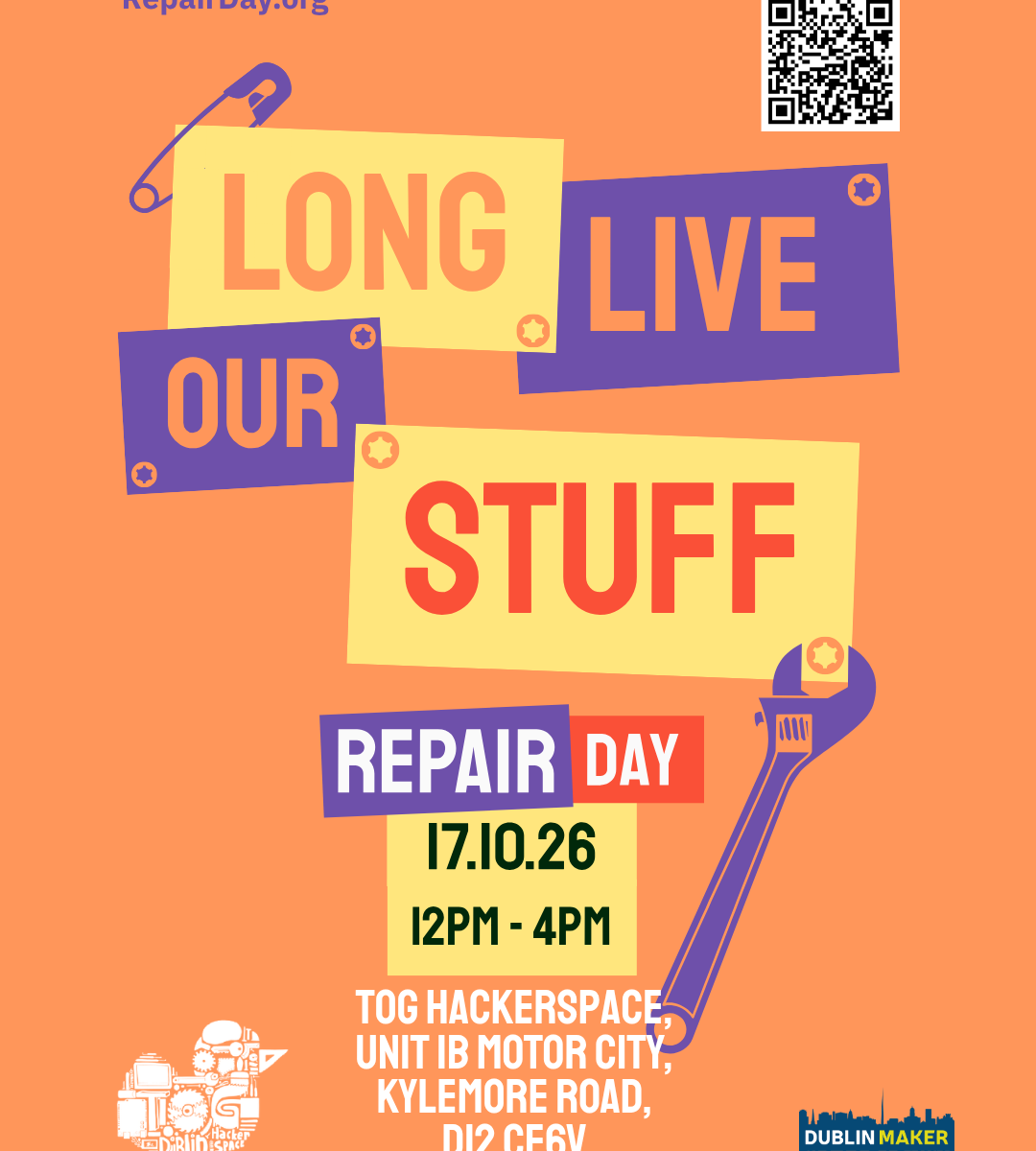
Have something broken at home that you keep meaning to sort out? Bring it along to our next Repair Café at TOG Hackerspace this Saturday, 17 October, from 12 noon to 4pm.
The day is also International Repair Day, and our event is part of Climate Action Week, which runs from 12 to 18 October. A good excuse to tackle that broken lamp, troublesome kitchen gadget or toy that has stopped doing its thing.
At a Repair Café, you sit down with a volunteer fixer and work together to see what can be done. We bring the tools and repair know-how, and you bring your item and a bit of curiosity. You do not need any repair experience.
We can take a look at things like clothes and accessories, toys, small electrical appliances, electronics and small furniture. If your item needs a charger, power supply or another part to work, please bring that along too.
Safety testing for electrical devices, known as Portable Appliance Testing (PAT), will also be available.
Sometimes a repair is straightforward. Sometimes it takes a little investigation. We cannot promise to fix everything, but we will do our best and help you understand what might be needed next.
You can have a go at repairing your item or watch and learn over a tea or coffee. TOG members will also be on hand to give you a tour of the space while you wait.
Repairing things keeps useful items in use for longer, reduces waste and saves the resources needed to make replacements. It can also save money and help us learn practical skills. Every Repair Café brings people together to share what they know and give a few more things another chance.
When: Saturday 17 October 2026, 12 noon to 4 pm
Where: TOG Hackerspace, Unit 1B Motor City, Kylemore Road, Dublin 12, D12 CF6V
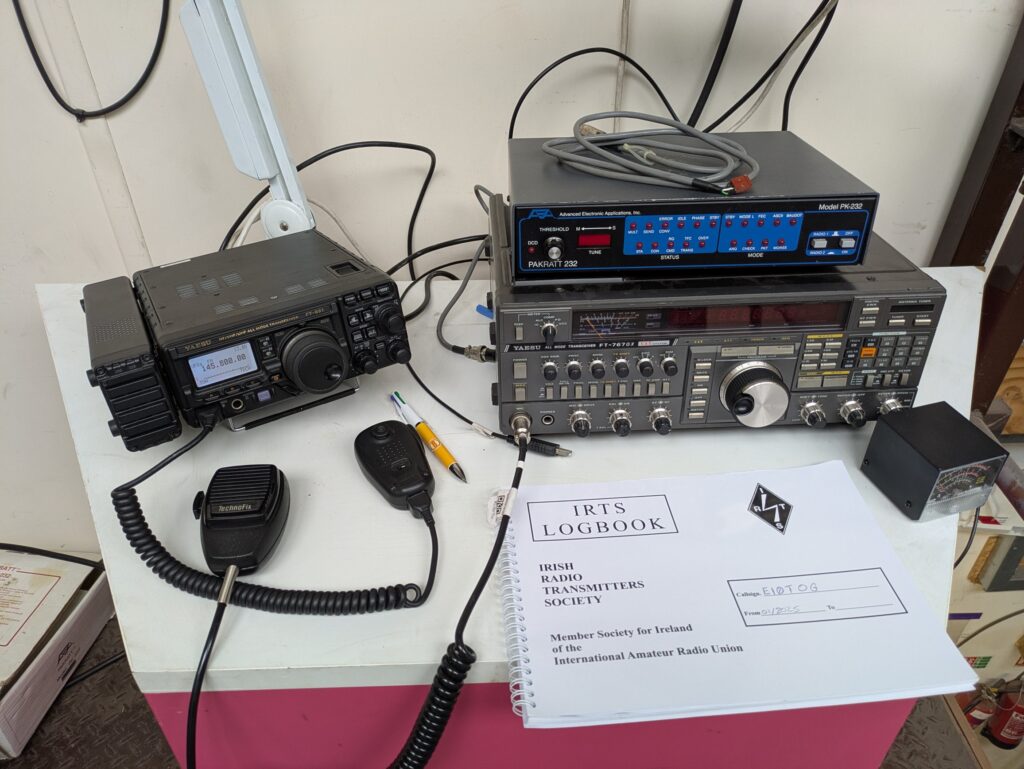
Join us at TOG Hackerspace for a weekend of amateur radio, hands-on workshops, old technology and a bit of messing.
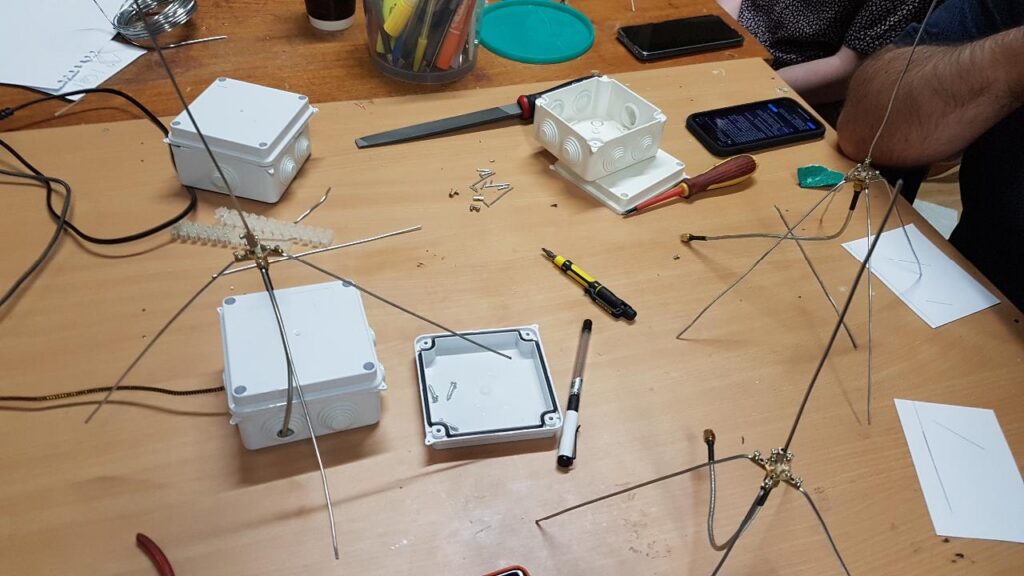
On Saturday, we’ll be building satellite ground stations, trying packet radio, making callsign patches and putting soldering skills to the test. There will be live demonstrations and afternoon talks, followed by our October Open Social and pizza night.
Sunday starts with radio in the park, before we return to TOG for an afternoon of vintage radios, retro computers, consoles and restoration projects.
Radio amateurs, shortwave listeners, makers and curious newcomers are all welcome. You don’t need a radio licence to attend.
Book your place
There are three separate Eventbrite listings, so you can book the parts of the weekend you’d like to attend:
From 12:00 | Live radio demos and callsign patches
Drop in from noon to explore the equipment, meet the operators and try some making.
Pump-up mast with Ben Field, EI9IUB
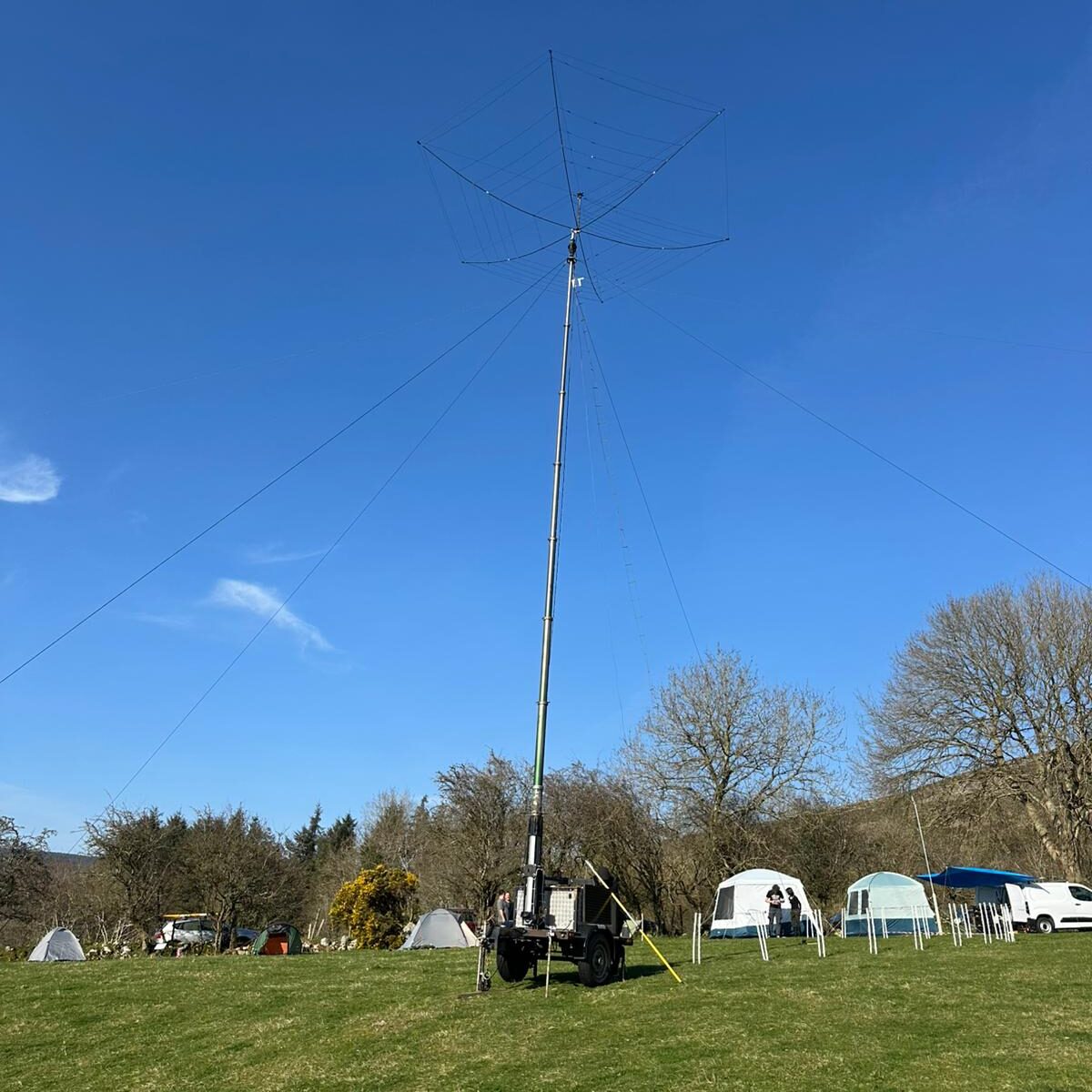
Ben will demonstrate his trailer-mounted mast, built around an ex-MOD Sankey trailer and a Clark SCAM 12 mast. The setup normally carries a hexbeam antenna and rotator, with a dipole for the lower bands.
Come and see how it works and chat about setting up a portable radio station.
Packet radio with Victor, EI5IYB
Earlier this year, TOG joined the packet radio network. Vic will give practical demonstrations of connecting to and using it, and introduce the applications built on top of the network.
Discover how computers communicate over radio, with uses including messaging, group chat and news and weather services. Thanks to the Online Amateur Radio Community (OARC) for supporting this part of the programme.
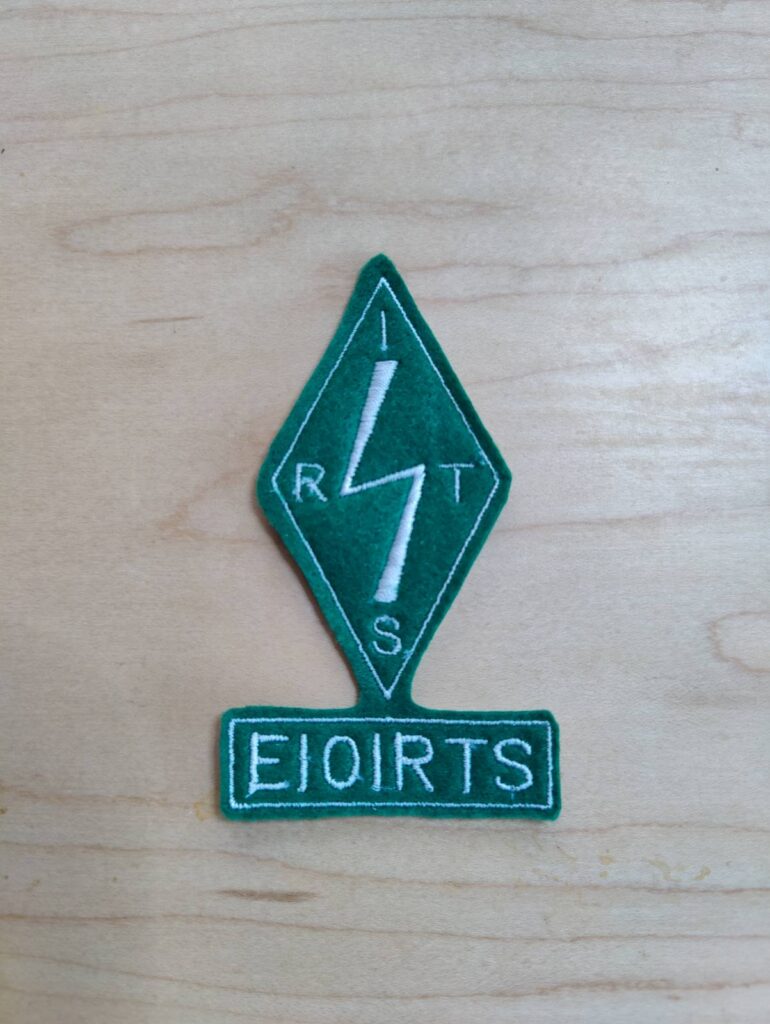
Make your own callsign patch with Tree
Tree will be on hand throughout the day to demonstrate TOG’s new industrial embroidery machine and help visitors make their own callsign patches.
Learn how the machine works and see your callsign turned into a patch. Thanks to the Irish Radio Transmitters Society for part-funding the consumables through its Promoting Amateur Radio Fund. Donations towards material costs are welcome.
13:00 and 14:00 | Advanced soldering workshops
Already know how to solder and want a new challenge? We have a range of kits for you to try, with instructors on hand to help you get started and work through the tricky bits.
These informal workshops start at 13:00 and 14:00. Kits cost €10–€20, depending on which you choose, and soldering irons are provided.
Afternoon | Radio talks
Three talks will bring us together for a closer look at different sides of radio in collaboration with Engineers Ireland Electronic and Computing Division . The programme includes
15:00 | Making Room for the Whimsical in Amateur Radio – Jeffrey Roe, EI7IRB
From Toilets on the Air to sending cat pictures with EI0MEOW, amateur radio has plenty of room for a bit of messing. Jeffrey explores playful projects, lightbulb antennas and Halloween Morse events, asking how we can encourage unusual ideas in our clubs.
A talk about curiosity, experimentation and enjoying radio simply because it makes us smile.
16:00 | Radiosondes: Radio and Weather Balloons – Met Éireann
An introduction to radiosondes, the instruments carried by weather balloons, and how radio is used to send atmospheric measurements back to the ground.
17:00 | Radio skills, skills for life – Vic, EI5IYB
Amateur Radio is a technical hobby but not only. It is a hobby of many hobbies, from mechanical engineering and communication skills to project management. In this talk, Vic will explore the skills that are gained in the ham radio hobby and how they transfer into your personal and professional life.
Stay around after the talks for TOG’s October Open Social. We’ll fire up the pizza oven, meet members and visitors, show off projects and keep the radio, electronics and making chats going into the evening.
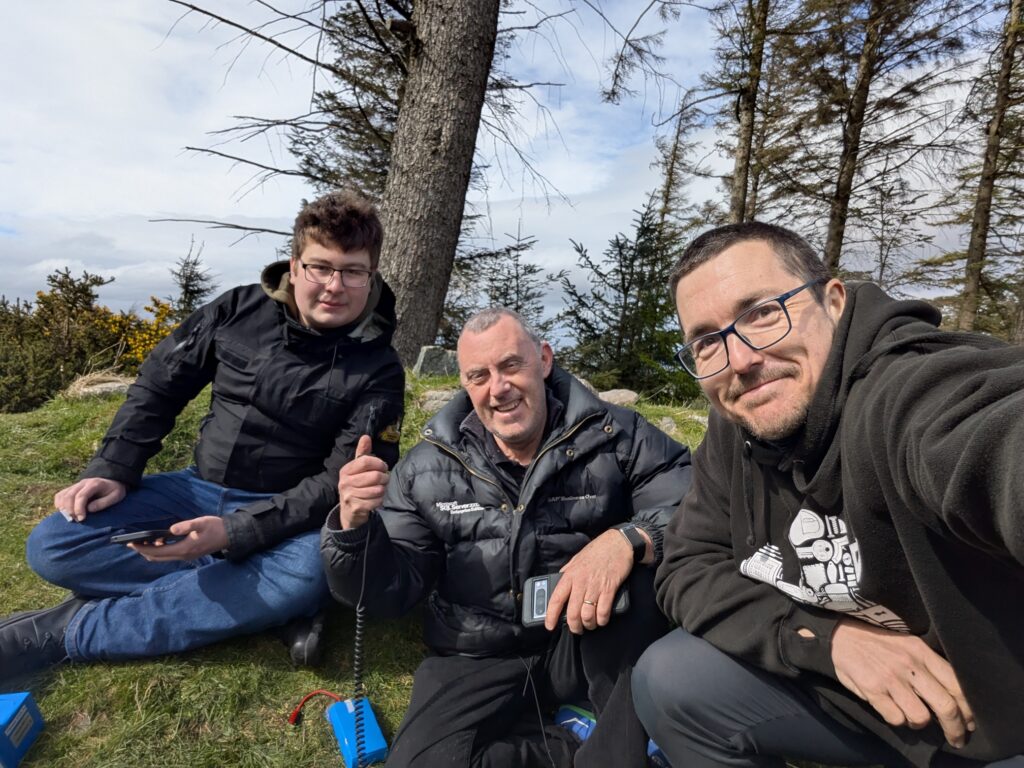
Come and see a portable amateur radio station in action. We’ll get on the air, including calling into the South Dublin Radio Club Sunday net and listening to and checking in after the IRTS Sunday News on 2 metres.
It’s a chance to see how a station can be taken out into a park and put on the air, or to join other operators for a morning of portable radio.
14:00–18:00 | Retro Radio & Computing Day
Sunday afternoon is for old radios, glowing screens and technology that still has plenty of stories to tell.
Our Retro Day returns with a special focus on vintage radio and communications equipment, alongside retro computers, consoles, games, test equipment and unusual electronics.
Members, radio clubs, collectors and visitors are invited to bring equipment to demonstrate and restoration projects to talk about. Working machines and projects still in progress are both welcome.
Have something to show? Email info@tog.ie with what you’d like to bring, how much table space you need and any power or display requirements.
Come along to exhibit, try some old technology or simply have a look and a chat. Please ask the owner before operating any equipment.
All activities take place at TOG Hackerspace, Unit 1B Motor City, Kylemore Road, Dublin 12, D12 CF6V, apart from Sunday morning’s POTA session at Lansdowne Valley Park.
TOG is a short walk from the Kylemore stop on the Luas Red Line. See our location page for directions. For access questions or other event enquiries, email info@tog.ie.
Radio Day and Retro Day have free entry. Advanced soldering kits cost €10–€20, and donations towards callsign patch materials are welcome. Check the separate satellite workshop listing for its ticket details.
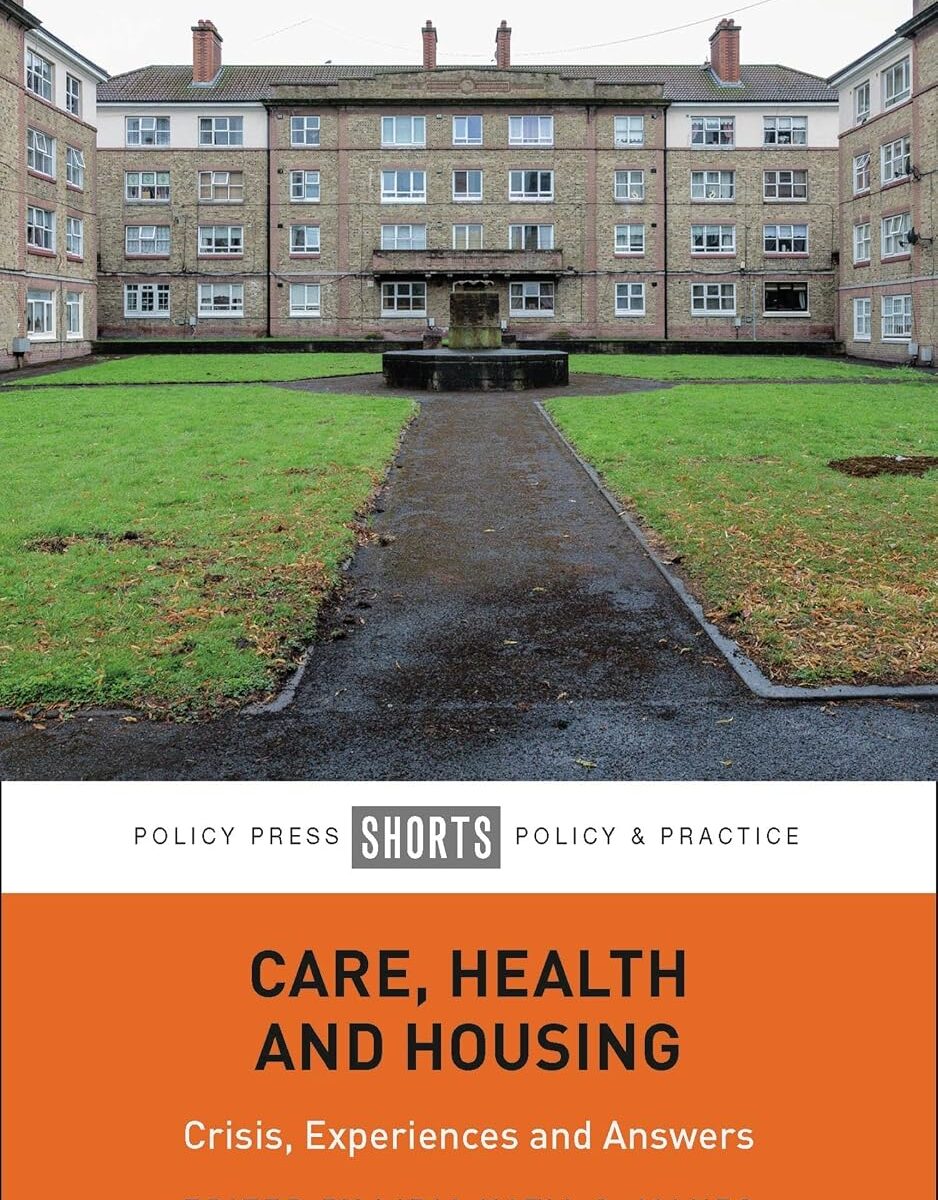
We’re delighted to congratulate TOG member Jeffrey Roe, who has co-authored a chapter with Jack R. Lehane in Care, Health and Housing: Crisis, Experiences and Answers.
Edited by Lidia Katia C. Manzo and published by Policy Press on 28 September 2026, the book explores the connections between housing conditions, health and care. TOG’s citizen science workshops are part of that story.
Jeffrey and Jack’s contribution is Chapter 8, “Grassroots citizen science and indoor air quality networks: tools for understanding inadequate social housing conditions.” It looks at how affordable sensors and community involvement can help people understand conditions in their homes and gather evidence to support calls for improvements.
For Jeffrey, it all started with a citizen science workshop. Sharing the practical work we were doing led to conversations about housing and health, an invitation to contribute, and eventually this collaboration.
If you have taken part in one of our air quality workshops, some of the chapter will feel familiar. It describes people coming together to assemble their own sensors, learn how they work and share environmental data. There are also photographs from TOG workshops, showing participants building enclosures and putting their devices together.
The chapter connects that hands-on learning with a wider question: how can communities use the knowledge and tools they build together to improve the places where they live?
It’s lovely to see work that starts around our workshop tables become part of a book. Congratulations to Jeffrey and Jack, thank you to Lidia for bringing the publication together, and thanks to all the volunteers and participants who make these workshops possible.
We’re taking the TOG repair tools to Phibsboro this Saturday, 3 October, for BuzzFest.
BuzzFest is Phibsboro Village Tidy Towns’ community, sustainability and biodiversity festival. We’ll be running a Repair Café where you can bring along a small broken item and sit down with a volunteer to see what can be done. Small electrical appliances, electronics, toys, jewellery and clothing are among the things the Repair Café can look at.
The idea is to work on the item together. We can’t promise every repair will succeed, but we’ll give it a good look and help you understand what might be wrong.
The festival is free to visit, with stalls, talks, workshops, music and food throughout the afternoon. Please book a Repair Café slot in advance, as space at the repair tables is limited.
Event details
When: Saturday 3 October 2026, 12:30 pm to 4 pm
Where: Panama Scout Hall, Royal Canal Bank, Phibsborough, behind Phibsboro Library